Once you have installed the Clanq app on your phone, you can sign up for Clanq.
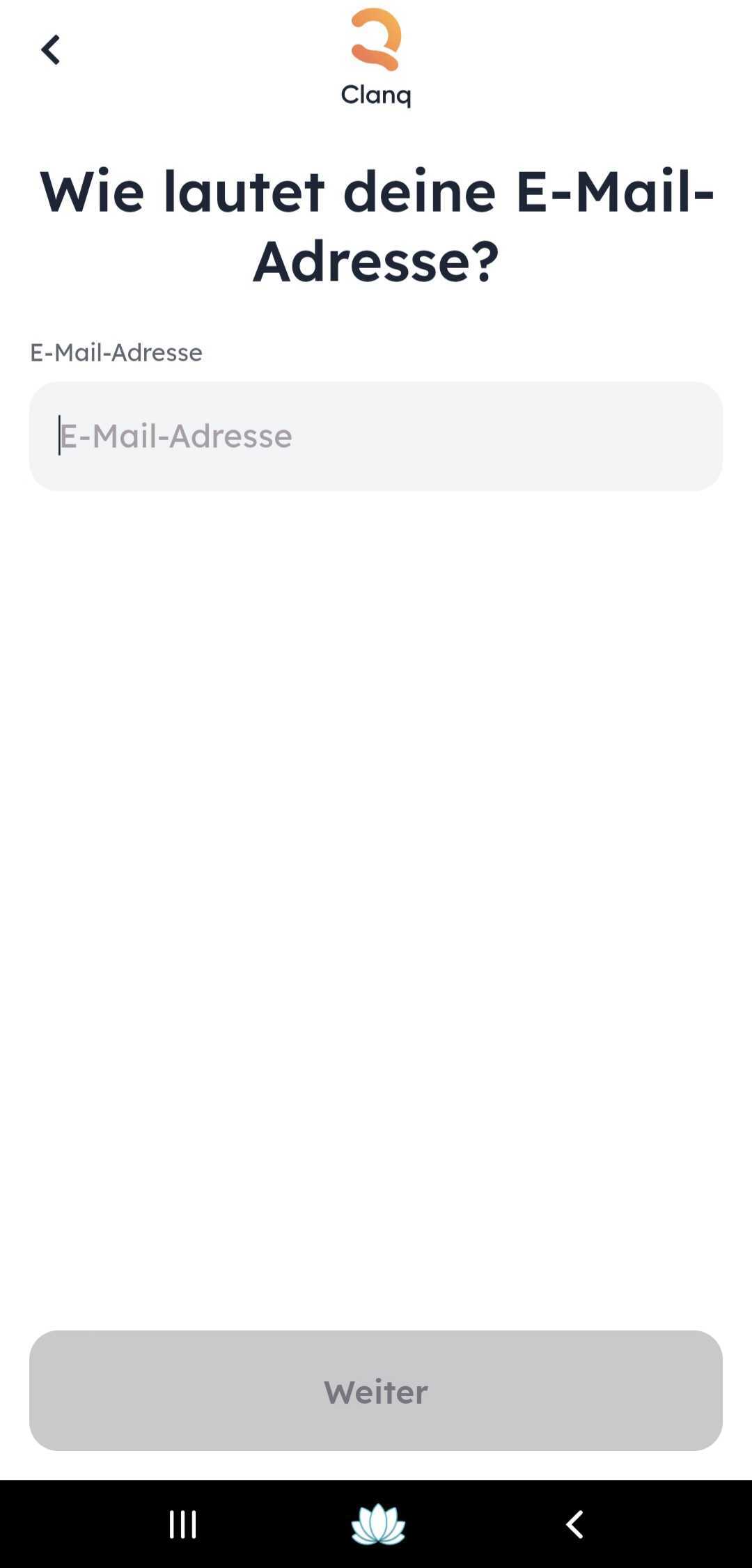
First, you need to enter your email address.
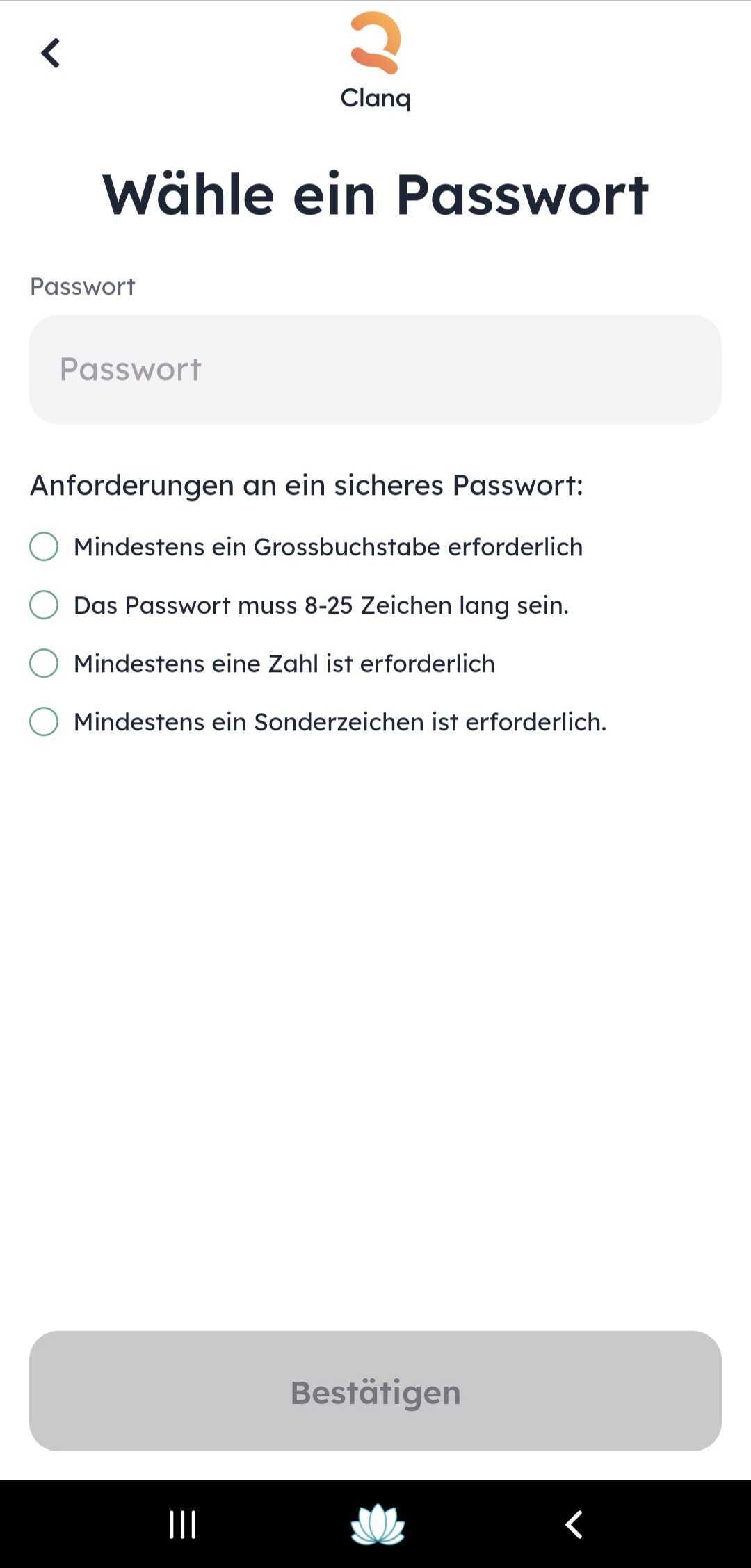
Next, you need to set up your personal password for the app. Then confirm your personal password.
From this point on, you are registered in our database. To open an account, we need to ask you for a few things. These include: Personal details, a copy of your ID, and AutoIdent.
These are:
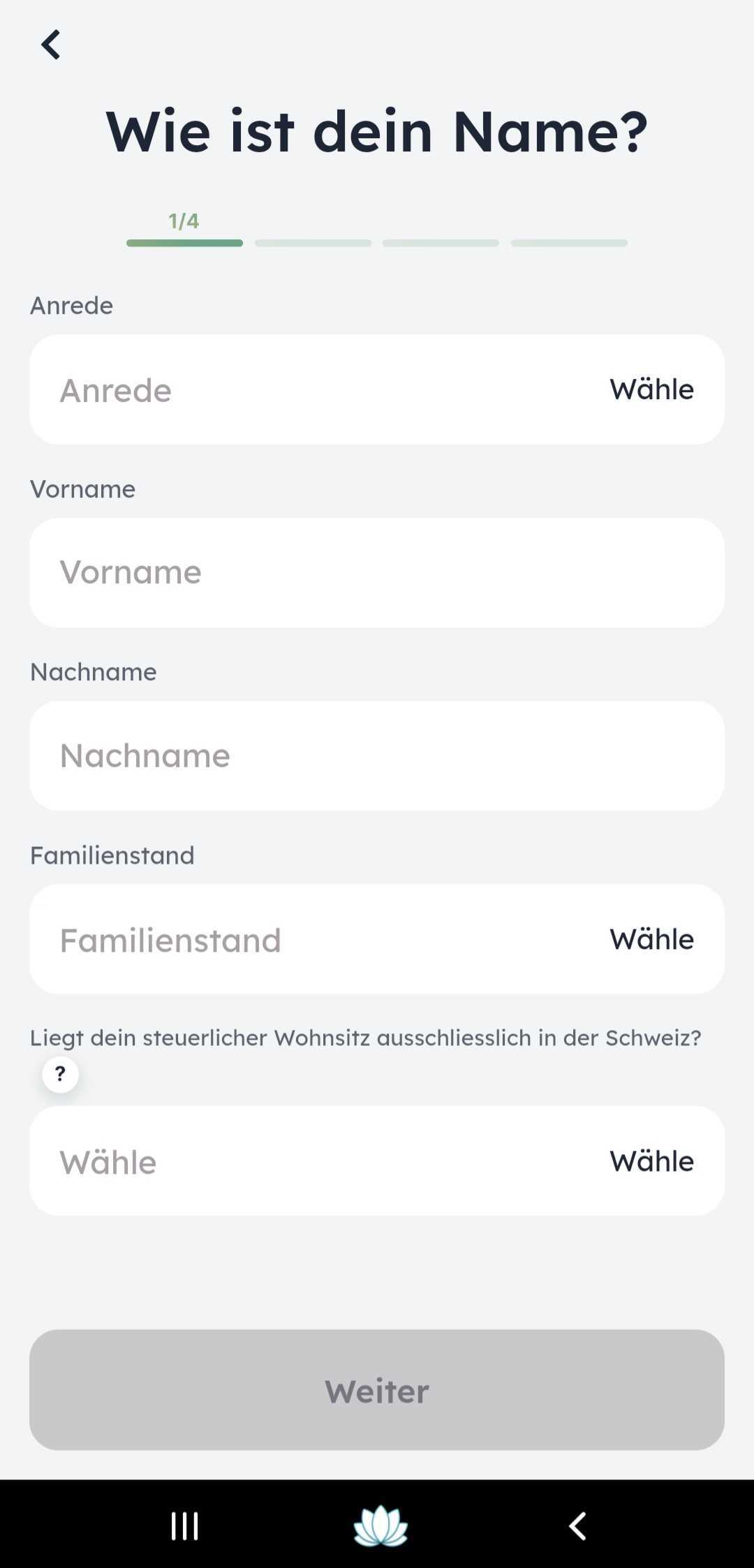
- Salutation (Mr. and Ms.)
- First name
- Last name
- Marital status (select from a list)
Next:
- Date of birth (minimum age = 18 years)
- Place of birth (city and country)
- Nationality
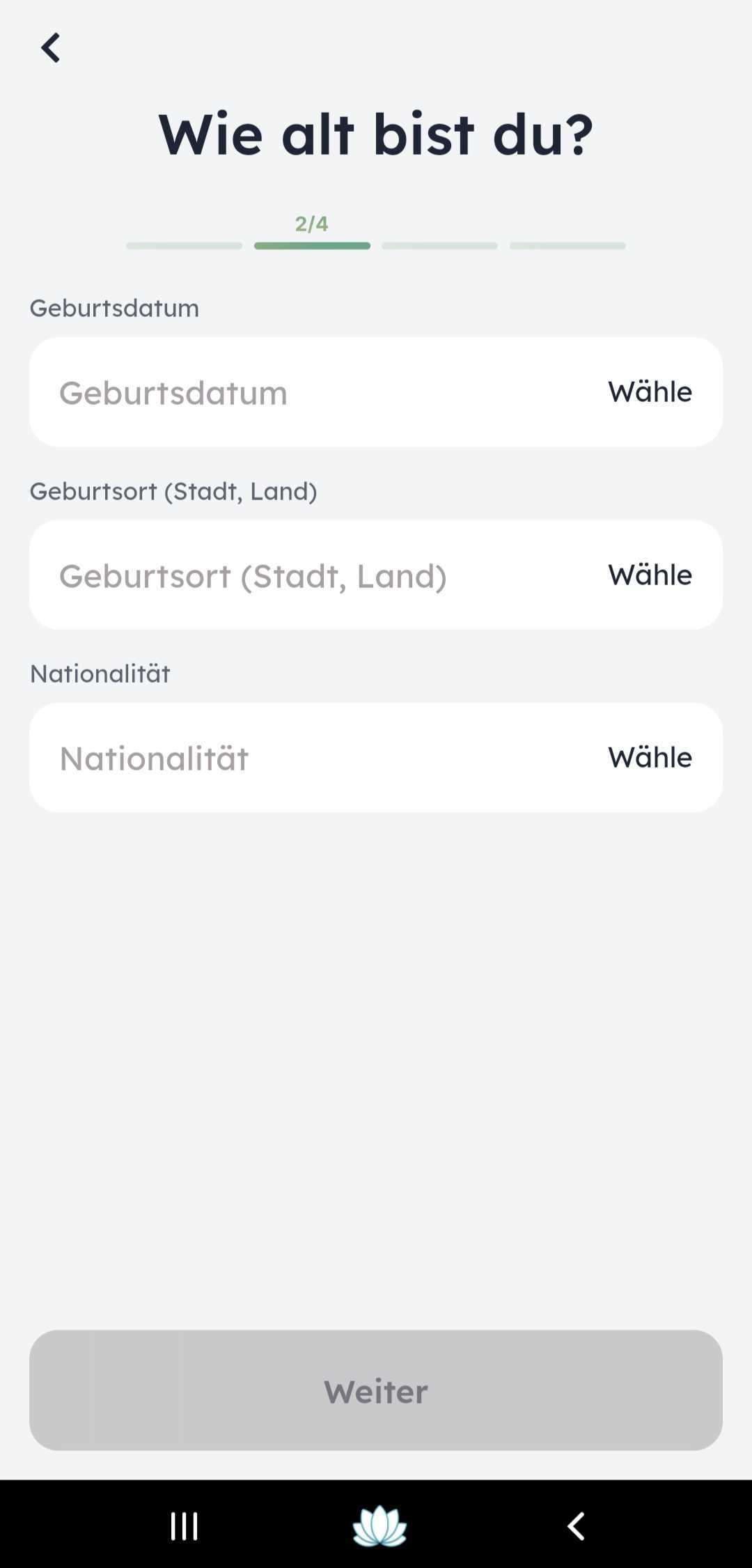
Please note: Place of birth and nationality do not have to be Swiss or Switzerland
Then the following is requested:
- Mobile phone number
- Employment status (select from a list)
- Tax liability in the USA
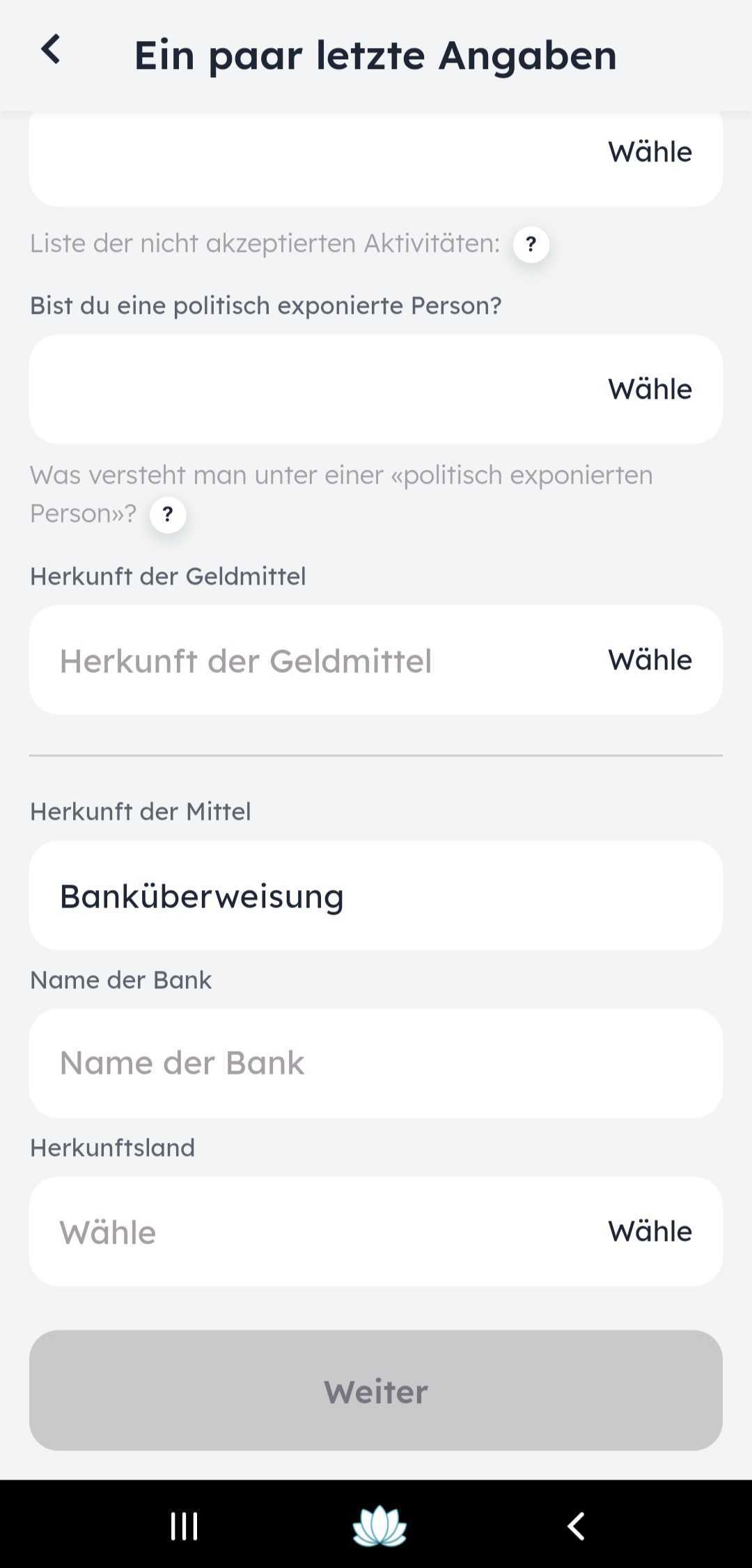
- Source of funds
etc...
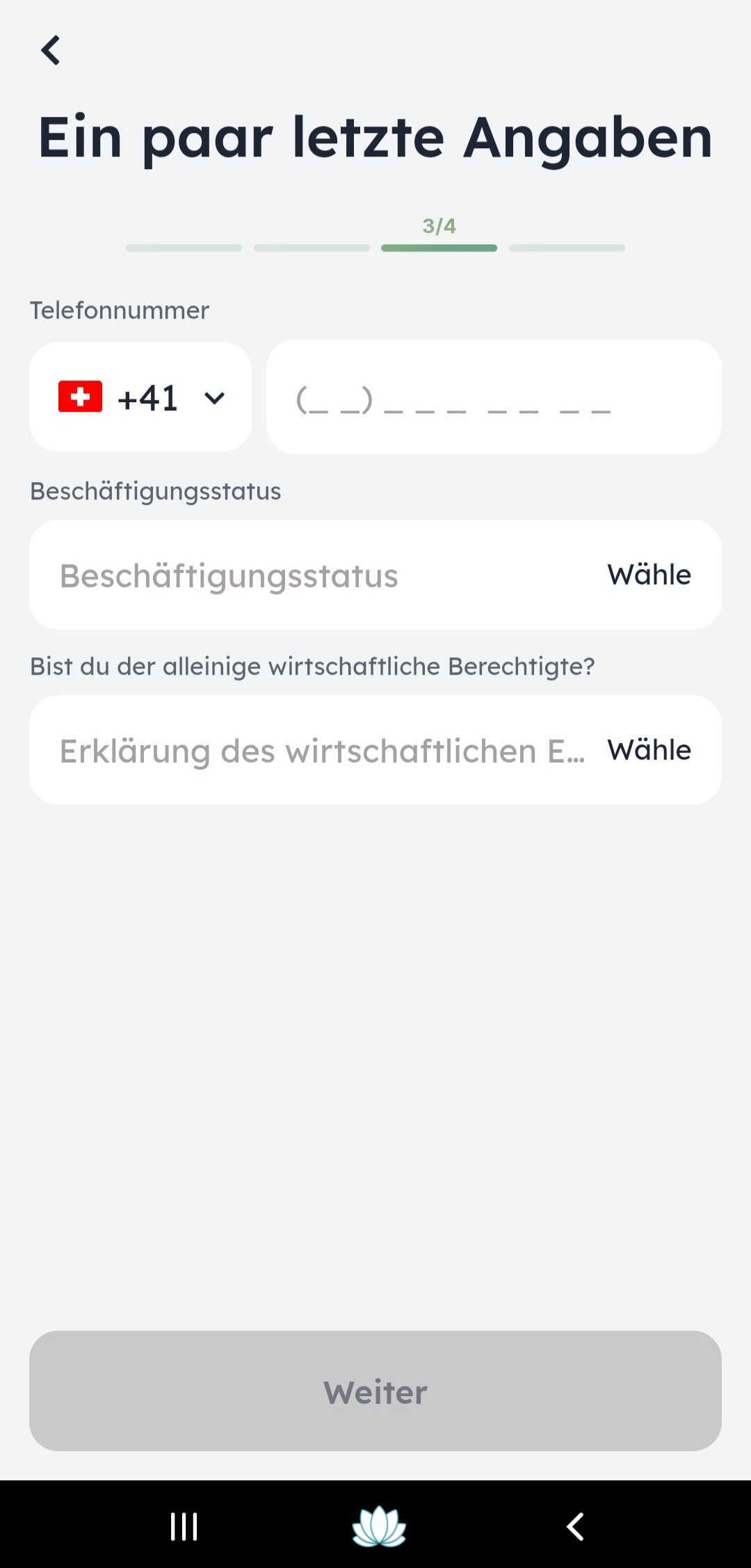
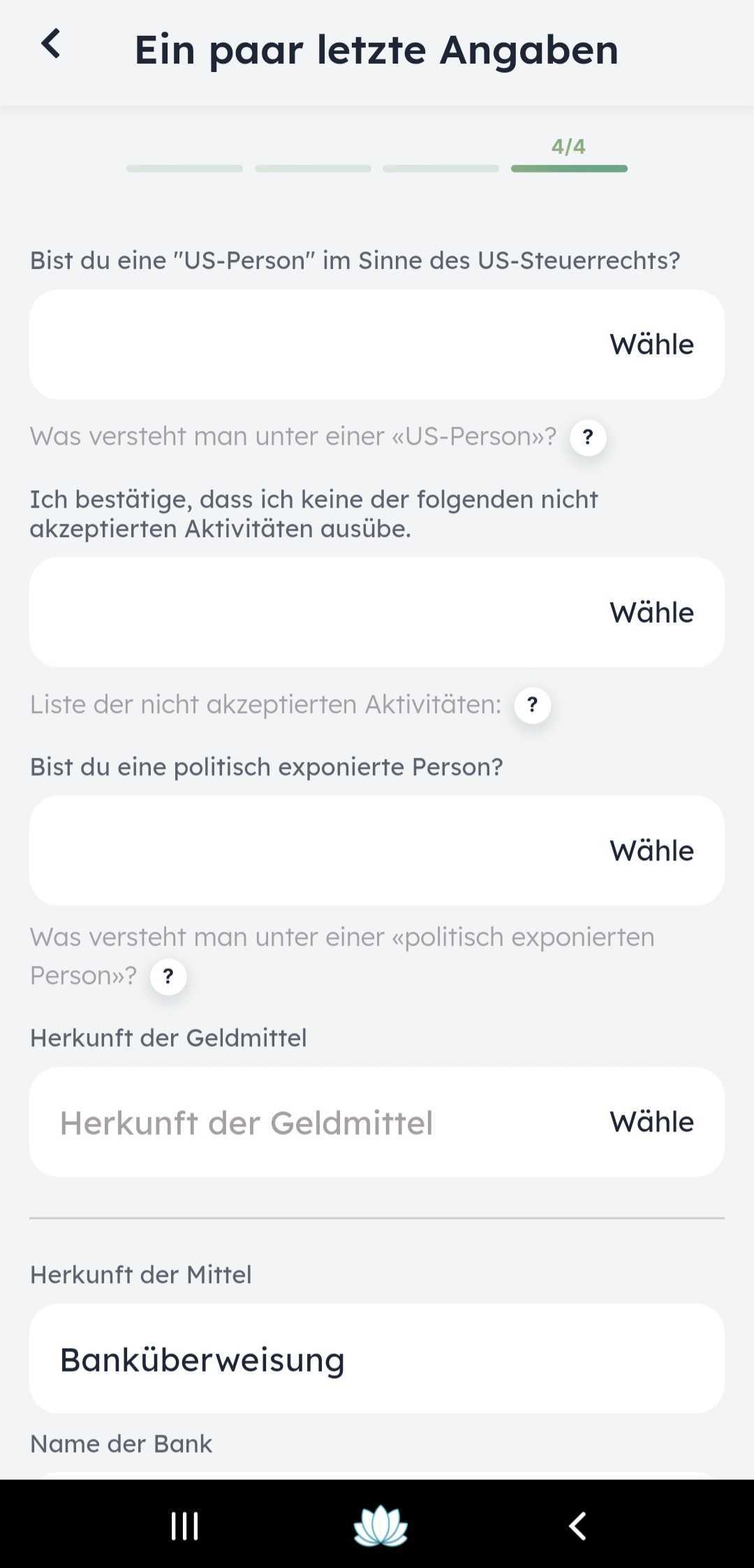
Please note: If you are liable for tax in the USA, unfortunately you cannot open an account with us
Finally, enter your address.
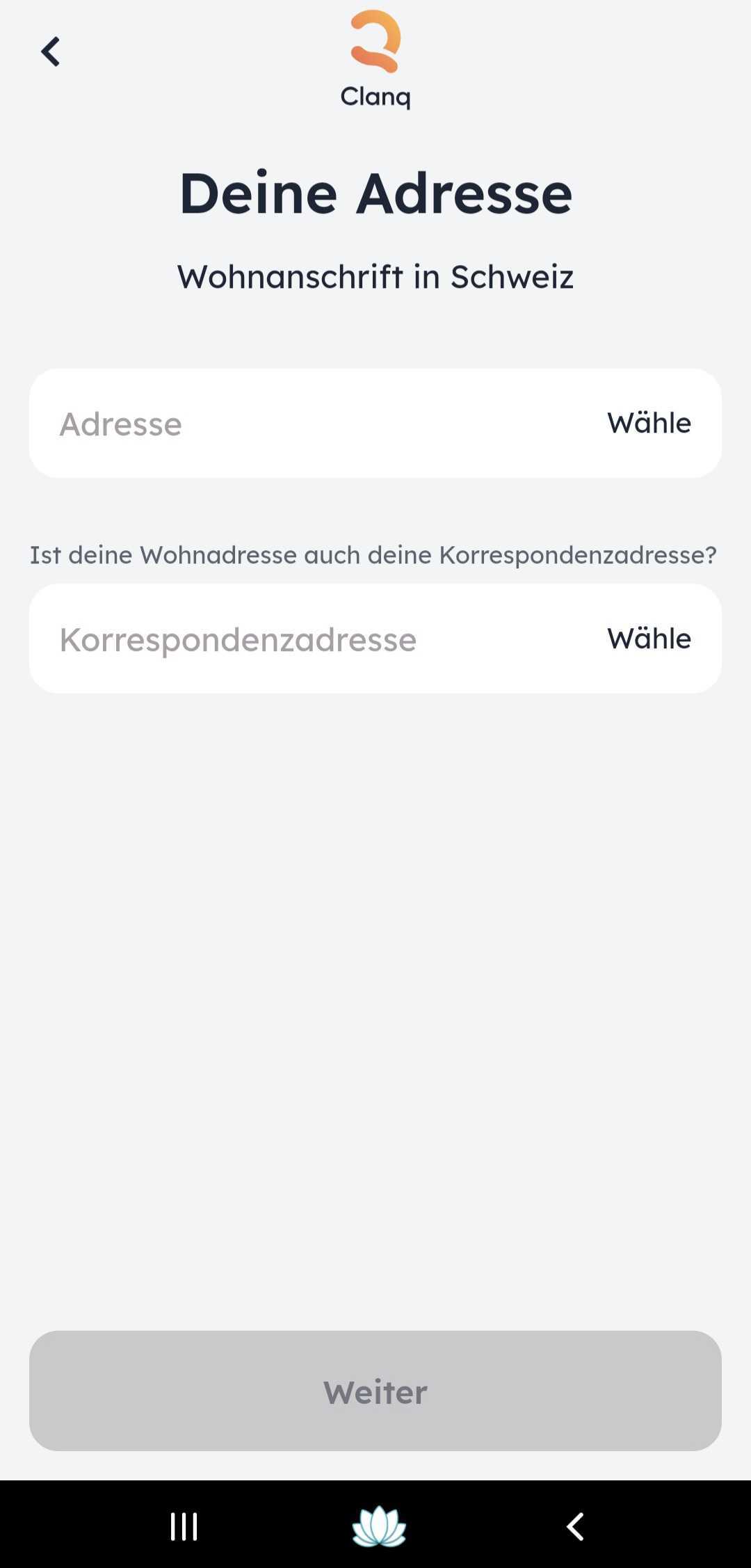
Only addresses in Switzerland are accepted, as our customers are required to reside in Switzerland for regulatory reasons.
Review your details. If necessary, you can still edit them. Next, you will confirm the terms and conditions for using Clanq.
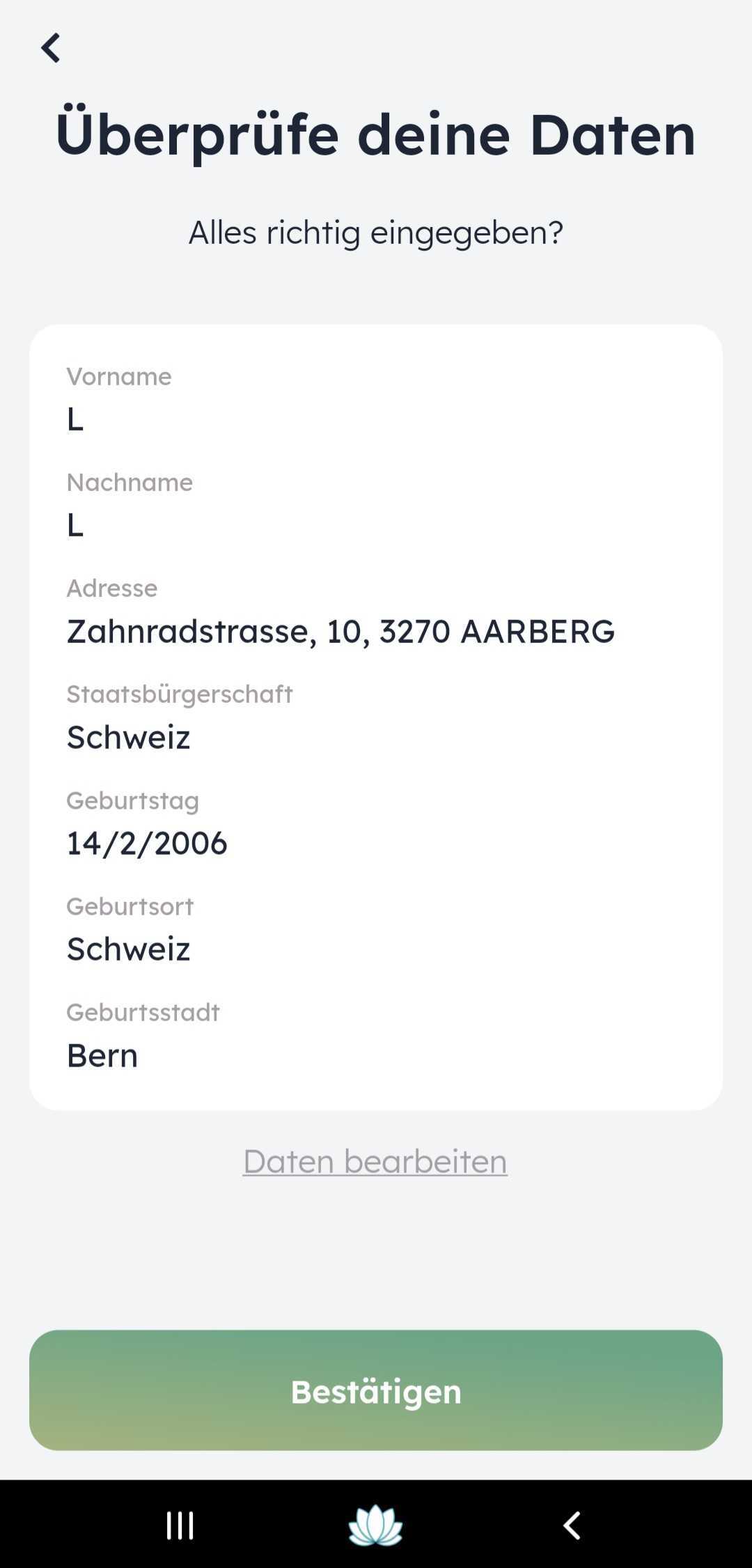
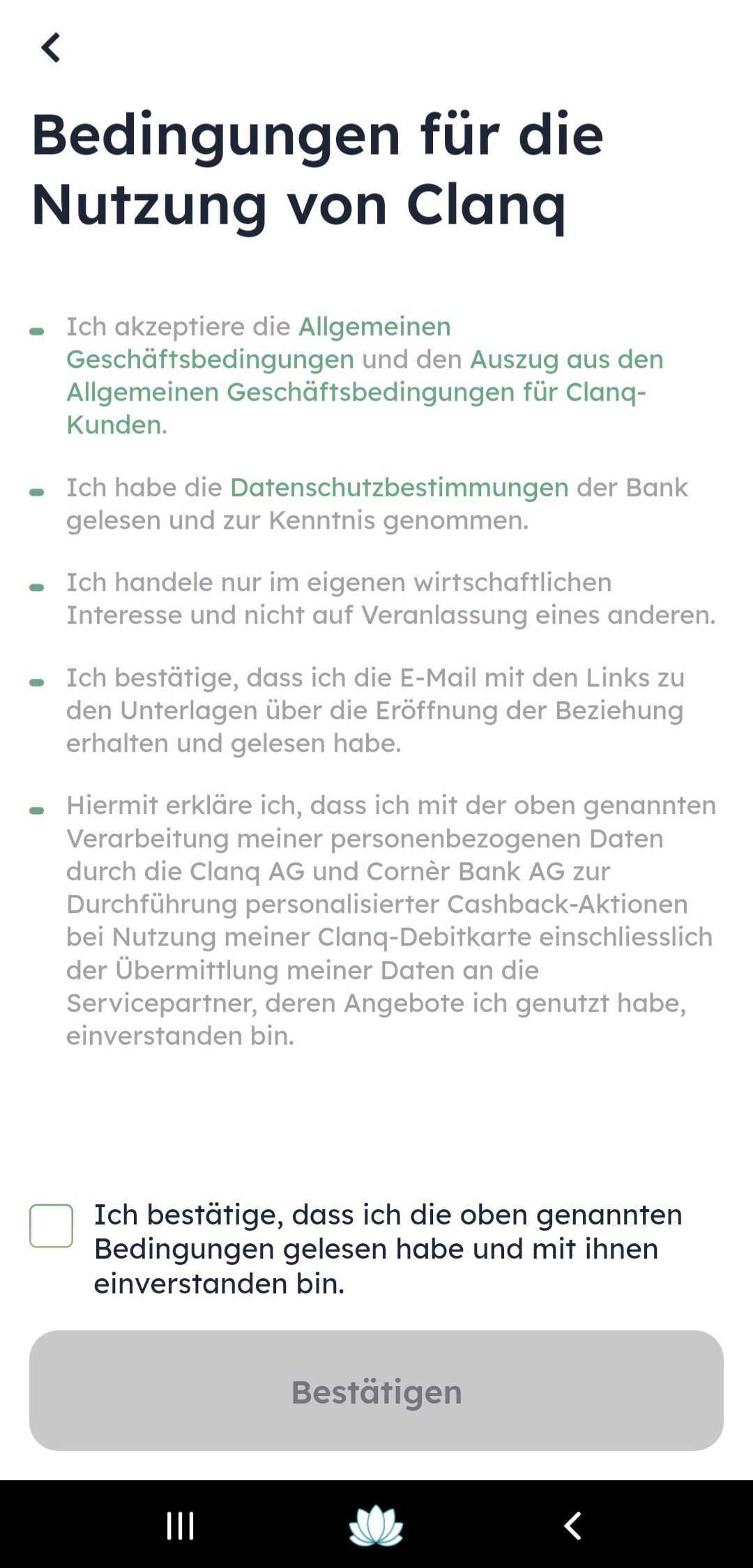
This confirms the opening of your account. You will receive a code on your mobile phone number. The verification of your reference account will then follow.
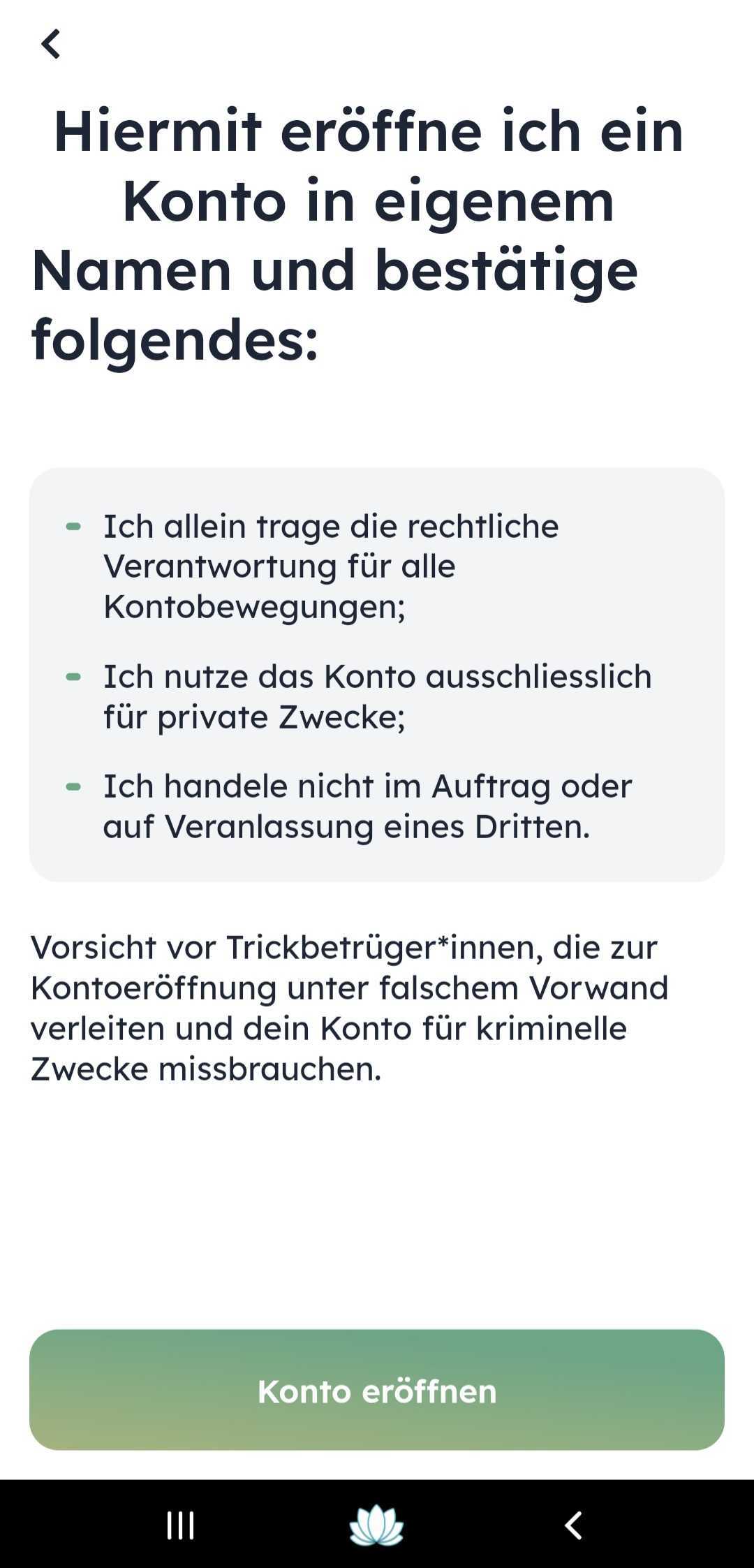
Currently, only one method is available to verify your identity: the AutoIdent procedure.
You need a valid identity document to verify your reference account. Identification is carried out in accordance with all requirements of the Anti-Money Laundering Act, data protection guidelines, and the requirements of the supervisory authority FINMA.
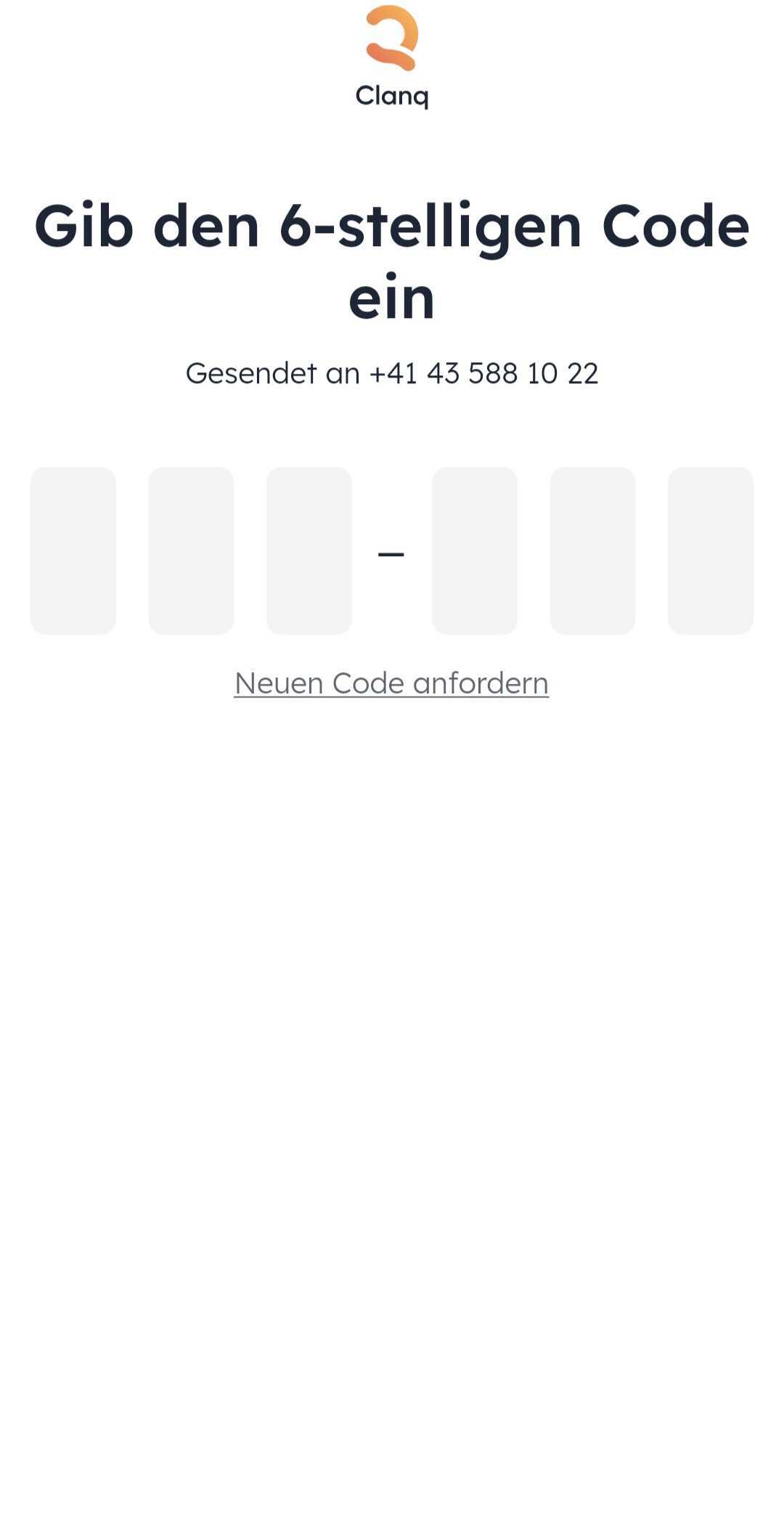
First, verify your mobile phone number. You will receive a verification code at your number. Enter it and confirm.
Please have a valid ID document and, if applicable, a residence permit ready, and make sure you have a good internet connection.
Take a photo of the front and back of your valid ID document.
Take a selfie. Please make sure the selfie matches the photo on your ID document—without glasses, a hat, or other accessories.
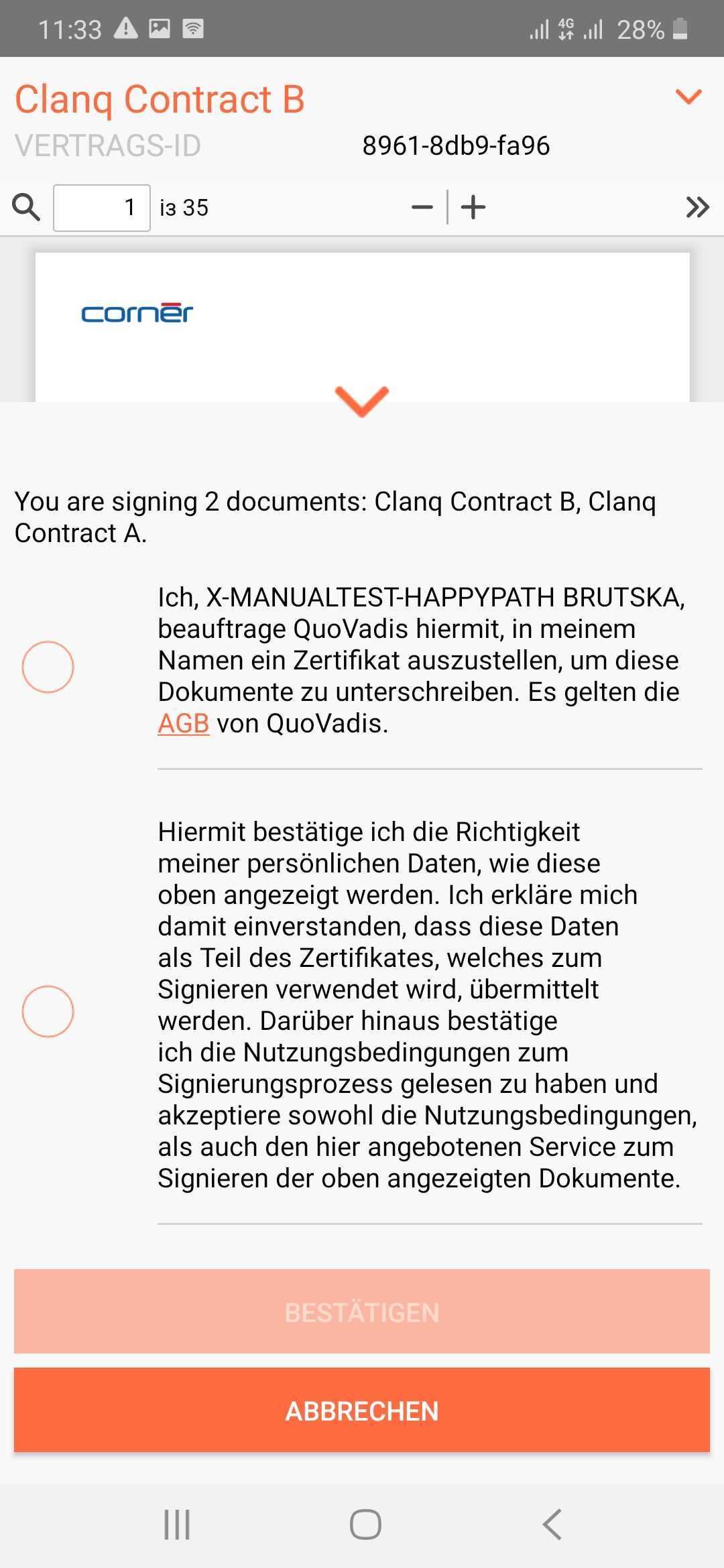
Sign the contract and then enter the code you receive on your mobile phone.
Opening an account takes just a few seconds.
In some cases, we need to review account openings. This can take up to 45 hours.
Once your account is open, you can discover more features on Clanq.