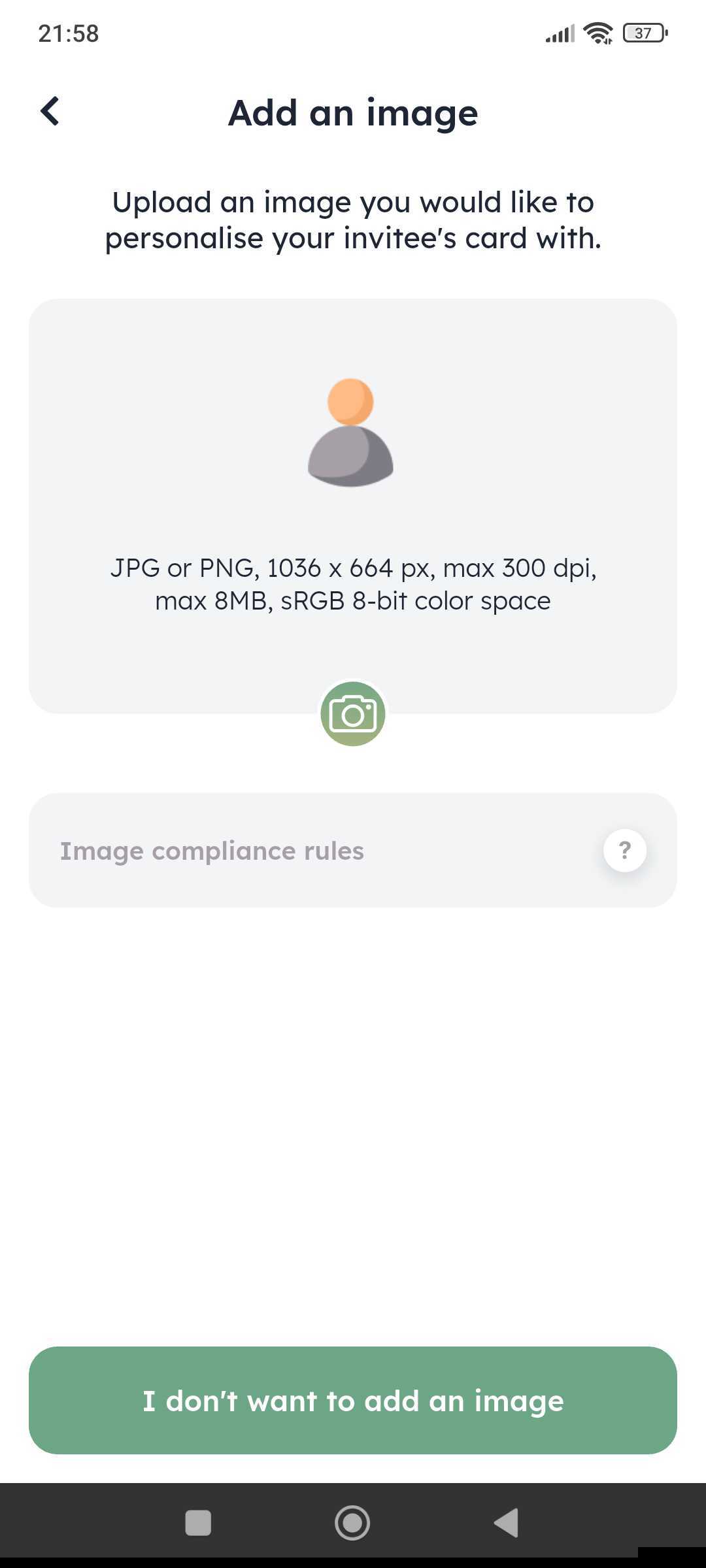
With the Card with Heart, Clanq users can upload a picture (e.g. a personal photo) and invite a new family member to save for their kids. This picture will then be linked to the card of the person invited.
You can upload your image in common formats like JPG and PNG.
The size limitations are as follows:
1036 x 664 px, max. 300 dpi, max. 8MB, sRGB 8-bit color space
If your image exceeds the size limitation or the resolution, or if it has the wrong format, we suggest changing the size with an image editing program before you can upload it.
If the image is invalid, you'll get an error message.
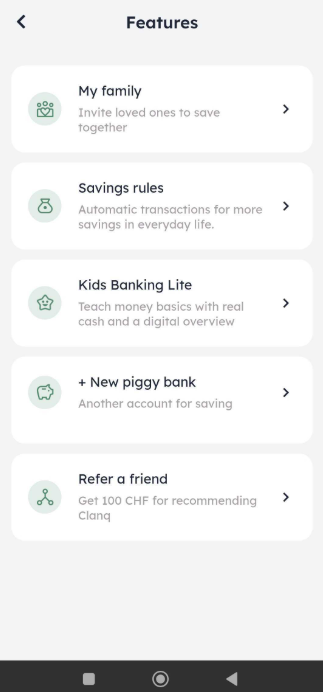
1. Tap on Features in the app

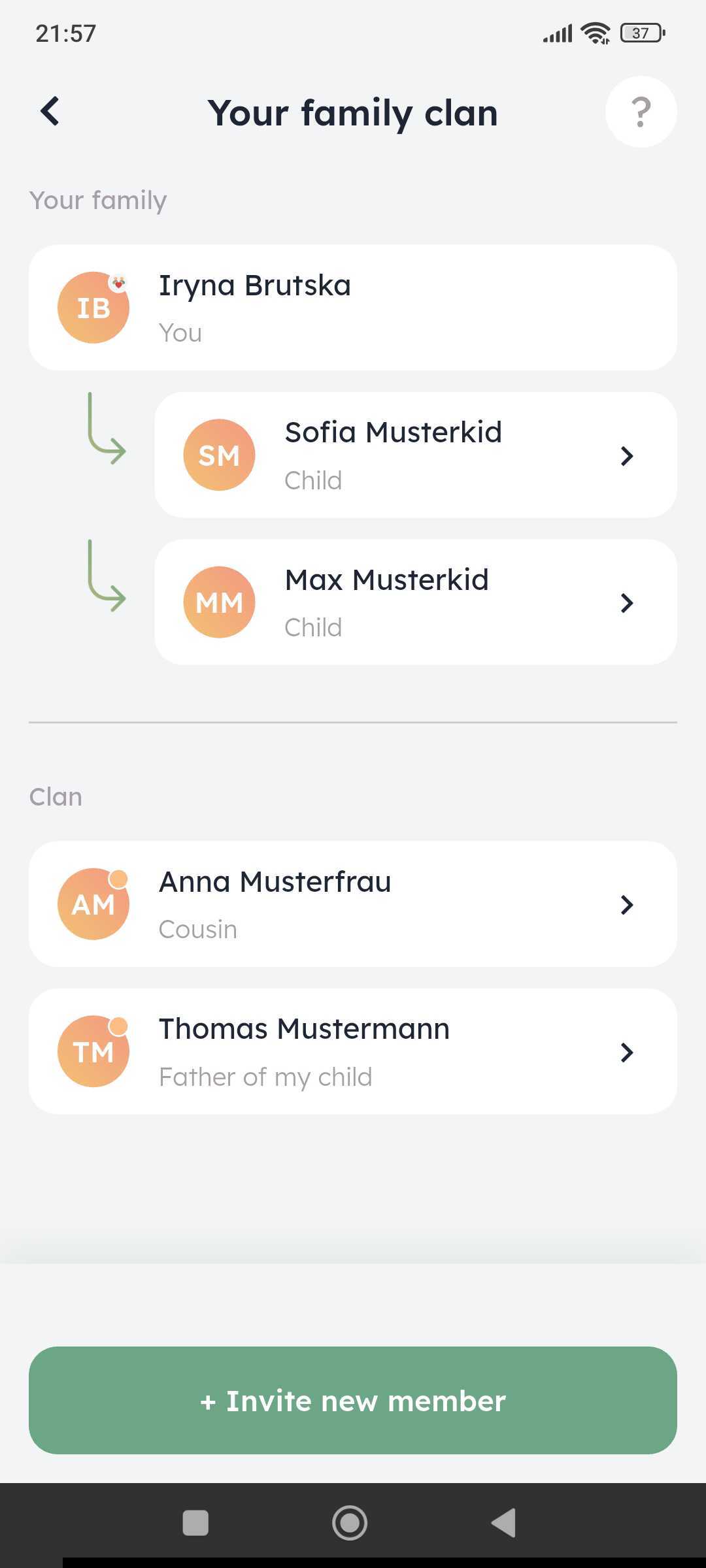
Tap on +Invite new member
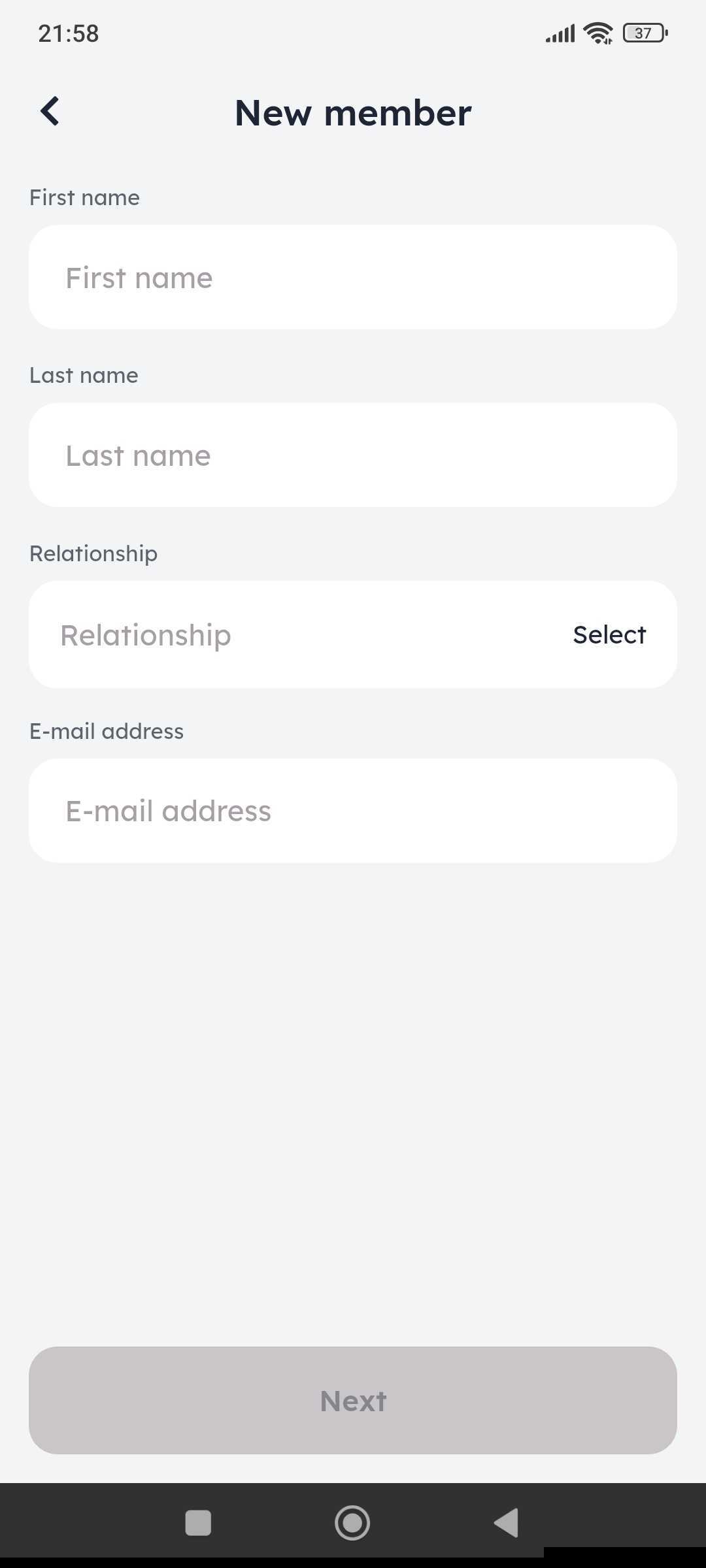
Fill in the new member's details
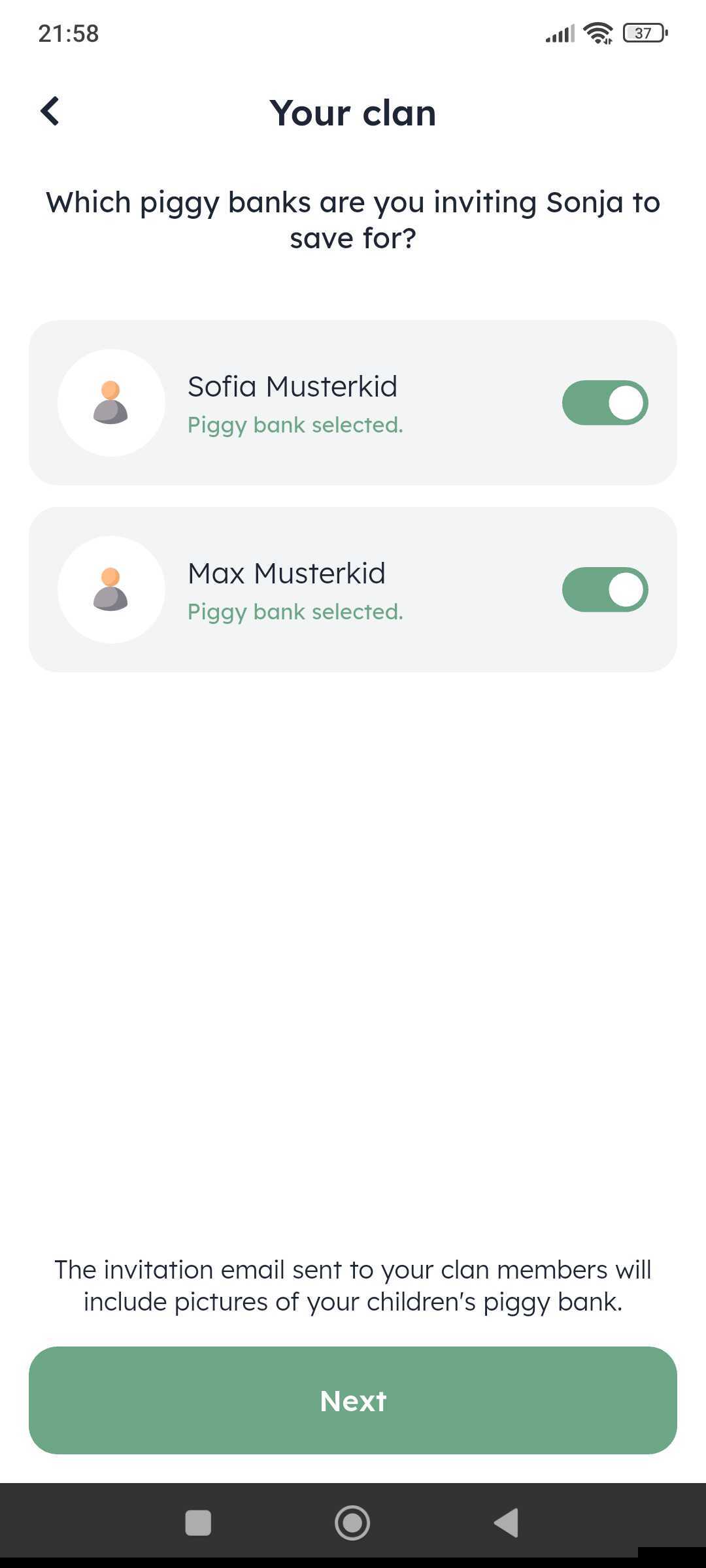
Select piggy bank
Add picture