
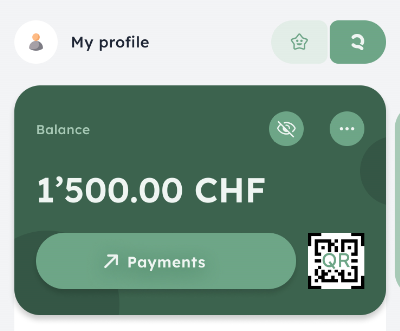
On the home screen, you’ll see a star at the top right that takes you straight to all the features of Kids Banking Lite. To go back to your accounts, just tap the Q at the top right.
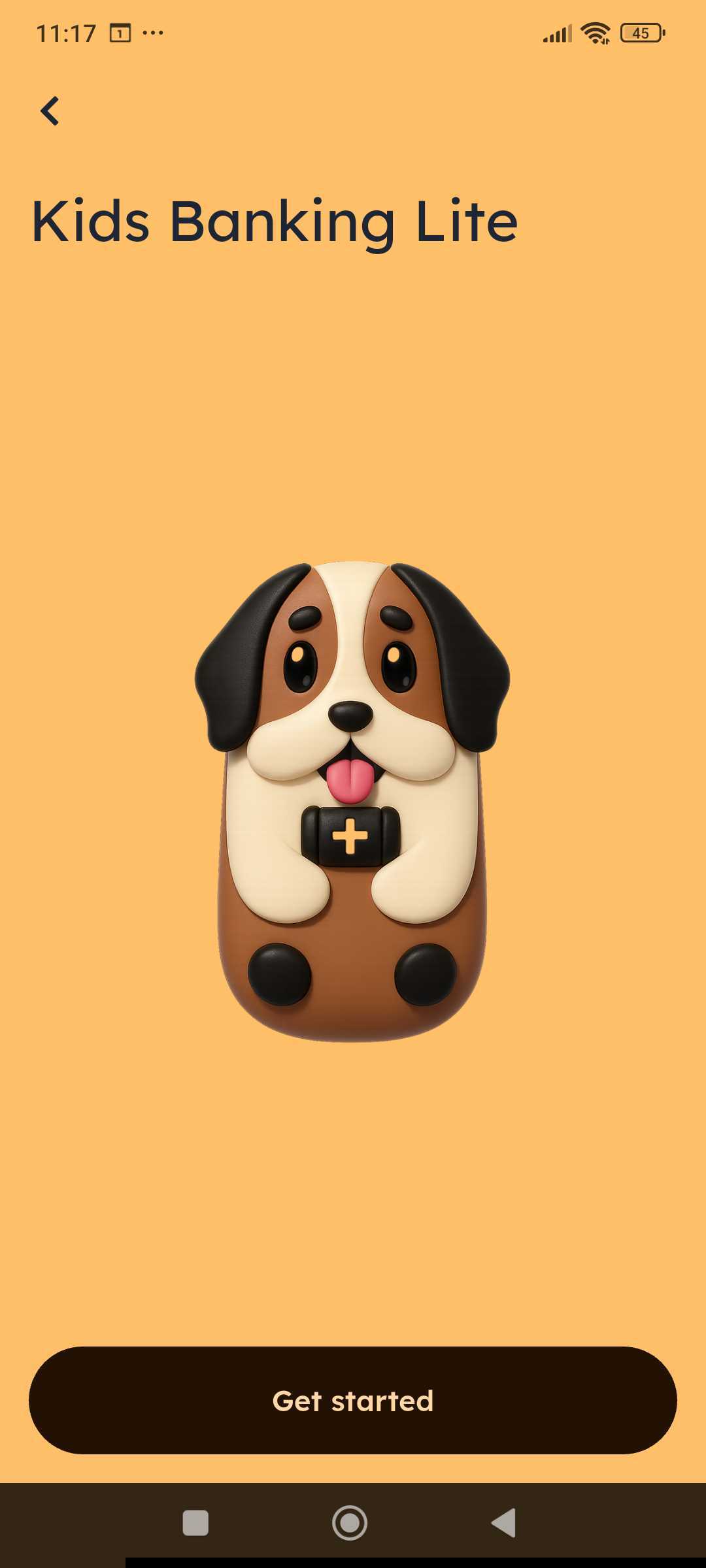
Here you can select a child you’ve already created a piggybank for or add a new child.
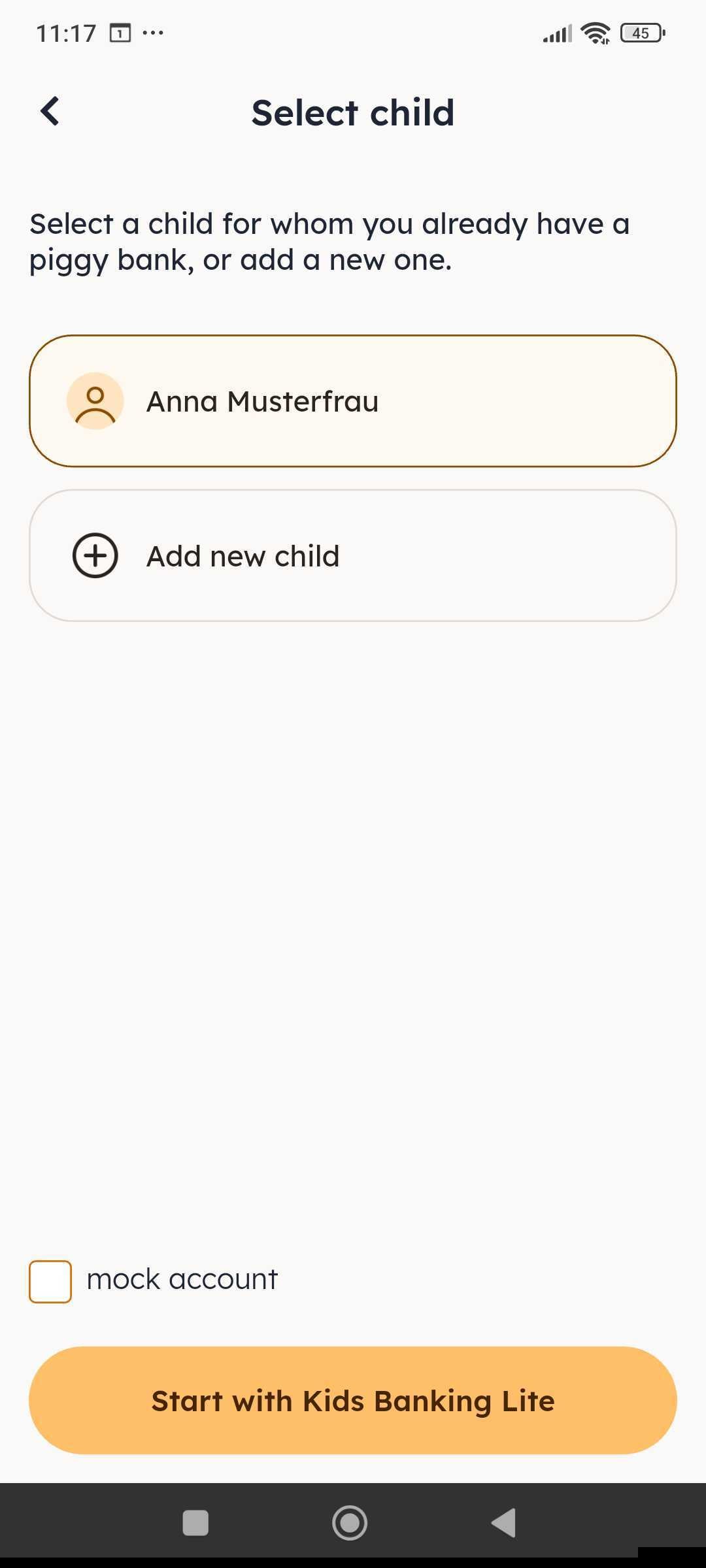
If you have several kids, you can add them right away too.
When you’re done, you’ll see the overview of your child’s (or your kids’) profile (swipe left).
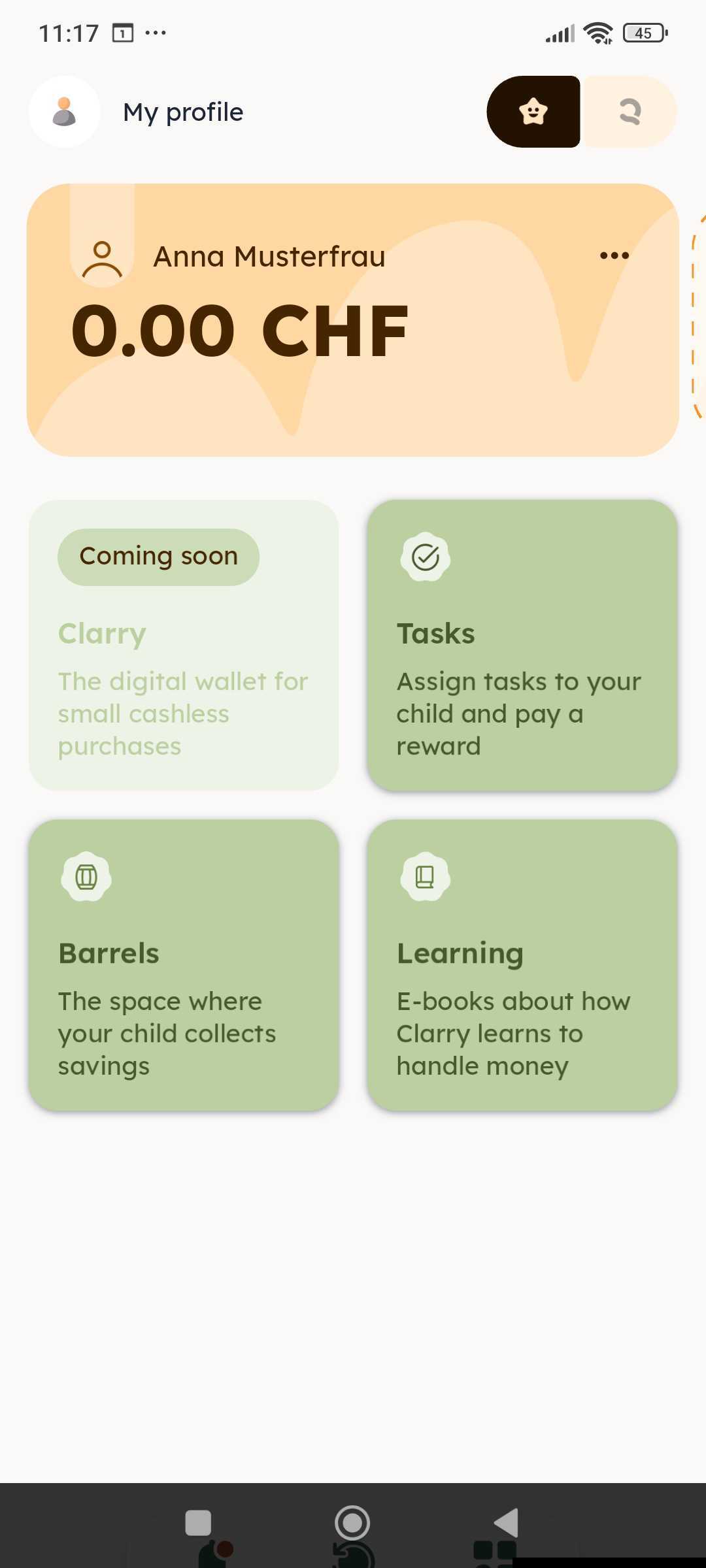
Kids Banking Lite is activated! Have fun!