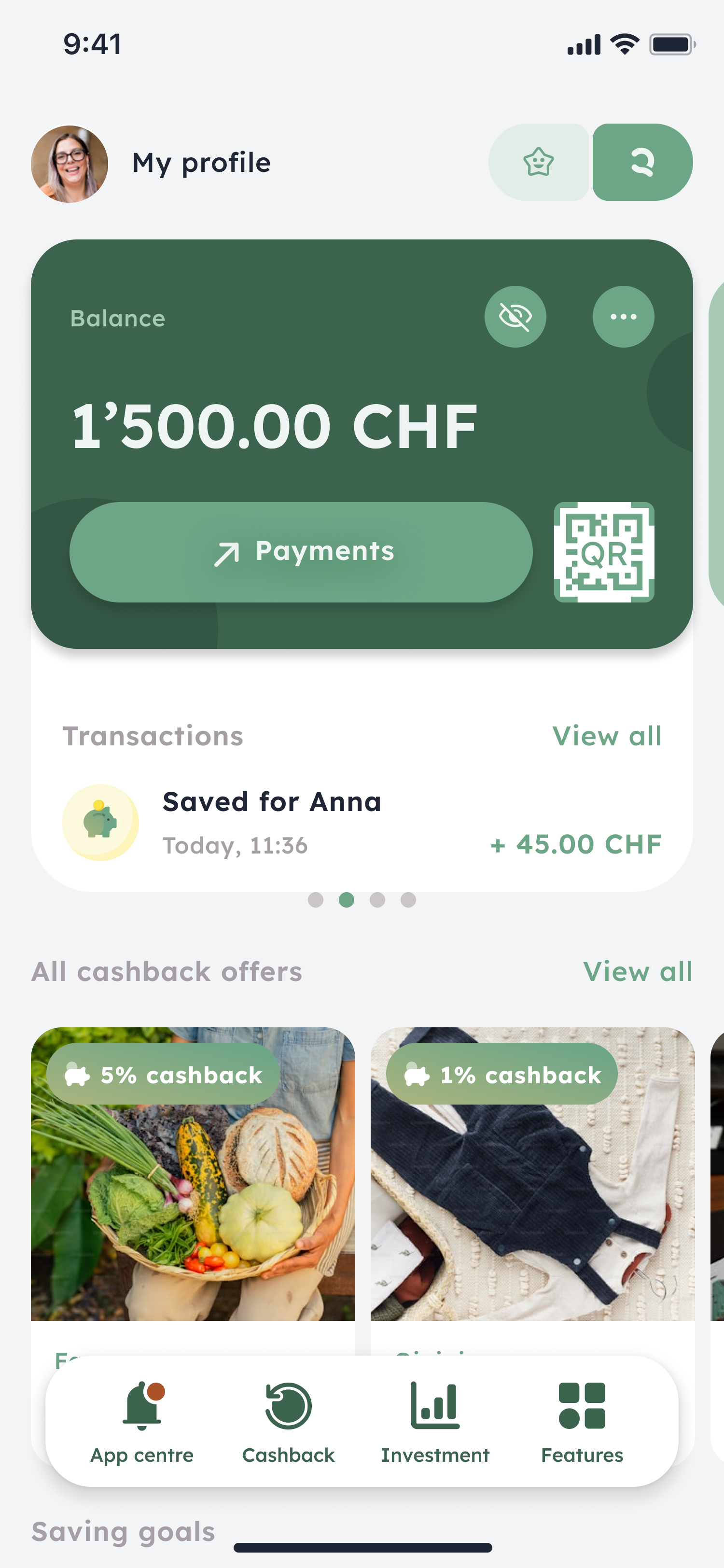
You can pay QR invoices quickly and easily by scanning the central QR code in the Clanq app on your smartphone. Payment details are taken over automatically, so you don’t have to enter them manually.
Here’s how it works:
Open the app.
On the home screen you’ll see a QR code next to the “Payments” field.
Select the “Scan QR invoices” function.
Scan the QR code on your invoice with your device’s camera.
Check the automatically captured payment details.
Confirm the payment.
After confirmation, the payment is executed immediately.